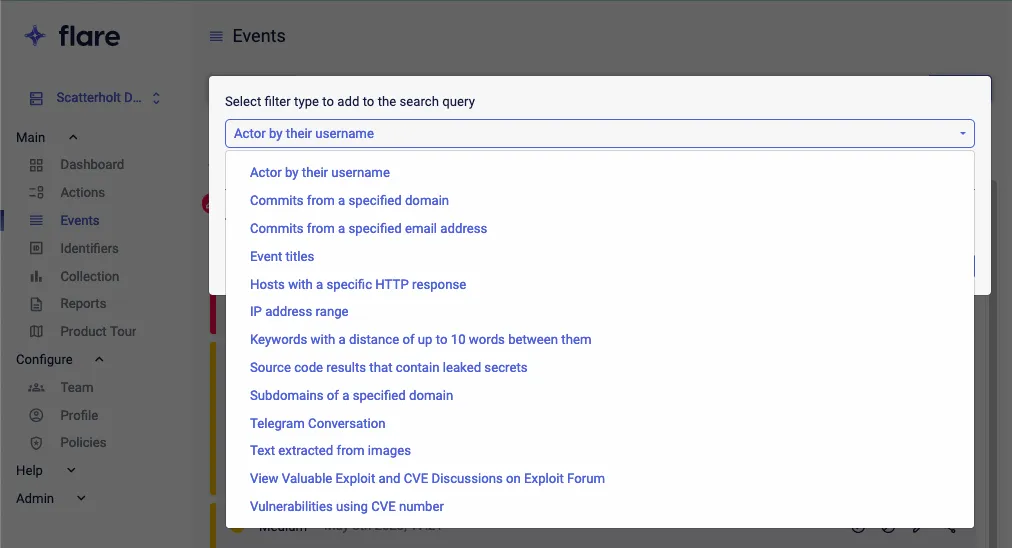
Advanced Search
3 min
Search in Existing data using Advanced Search
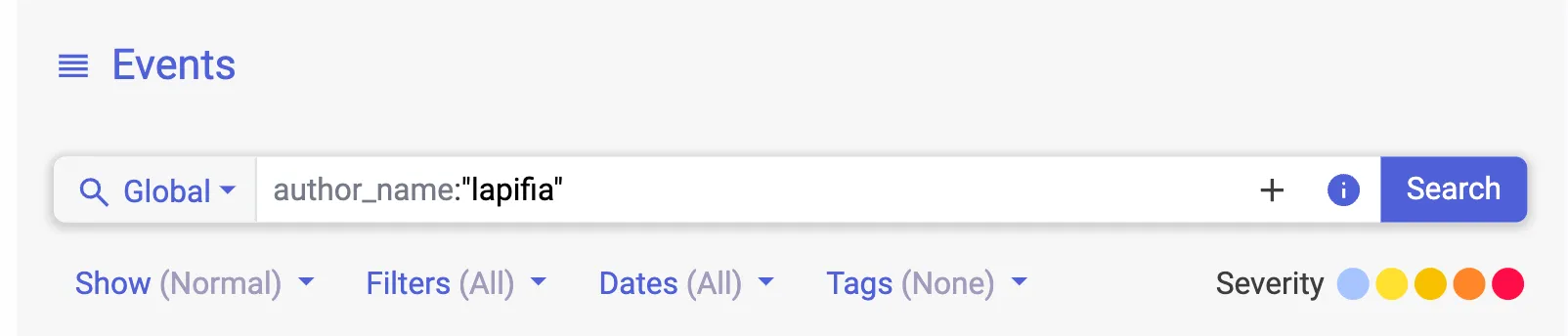
The search bar uses the Lucene Query Syntax , which supports, among other things, boolean operators and regexes.
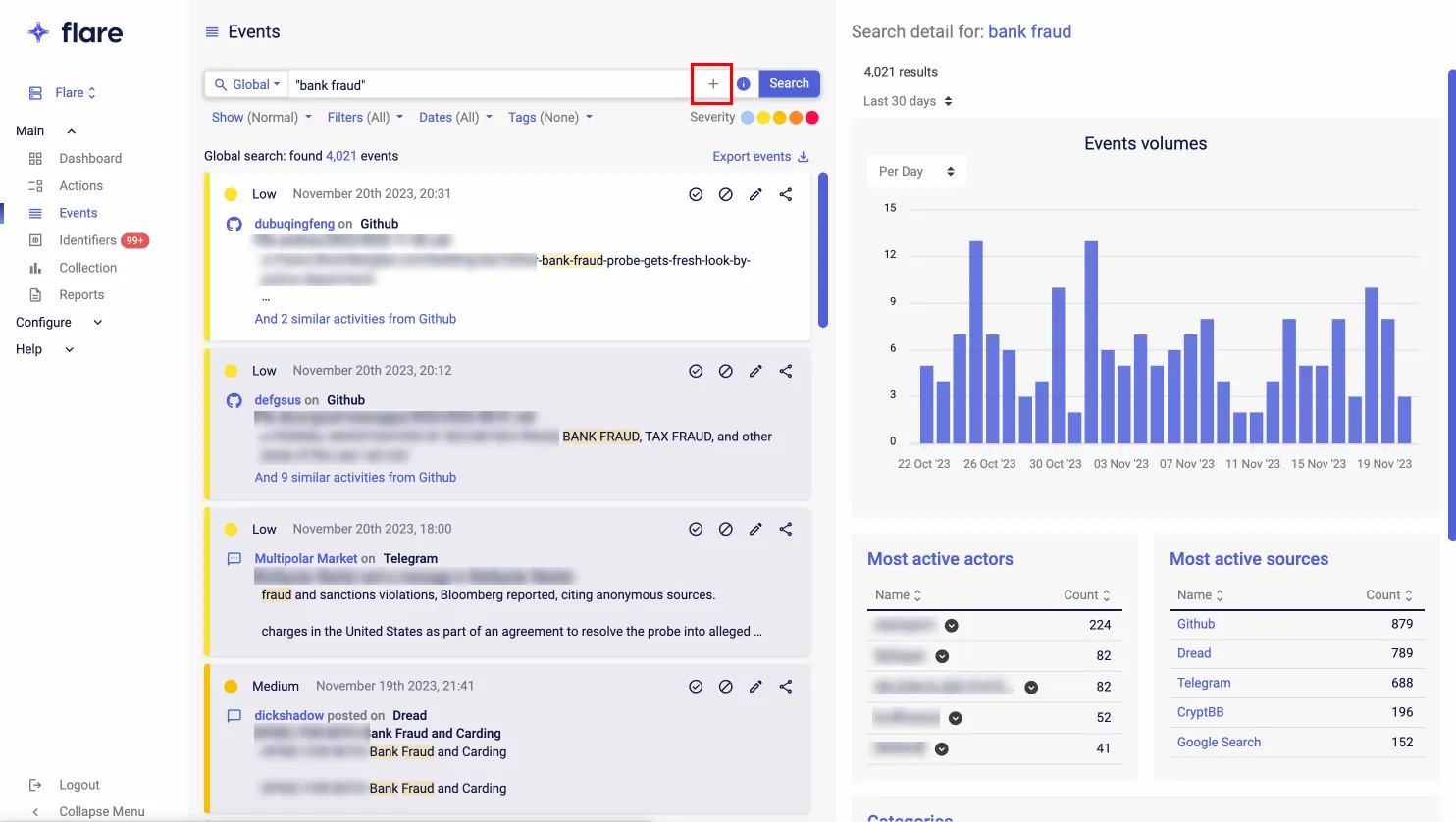
To access the Advanced Search, click on the '+' icon in the Search Bar.
Advanced Search allows you to easily build complex searches using boolean expressions, by simply selecting the filter type to add to the search query, add the details and click 'Add'.
Access the Advanced Search
Go to Events and Click on the + icon in the Search Bar
Select filter type to add to the search query from the drop down menu (eg: IP Address Range)