Microsoft Entra ID
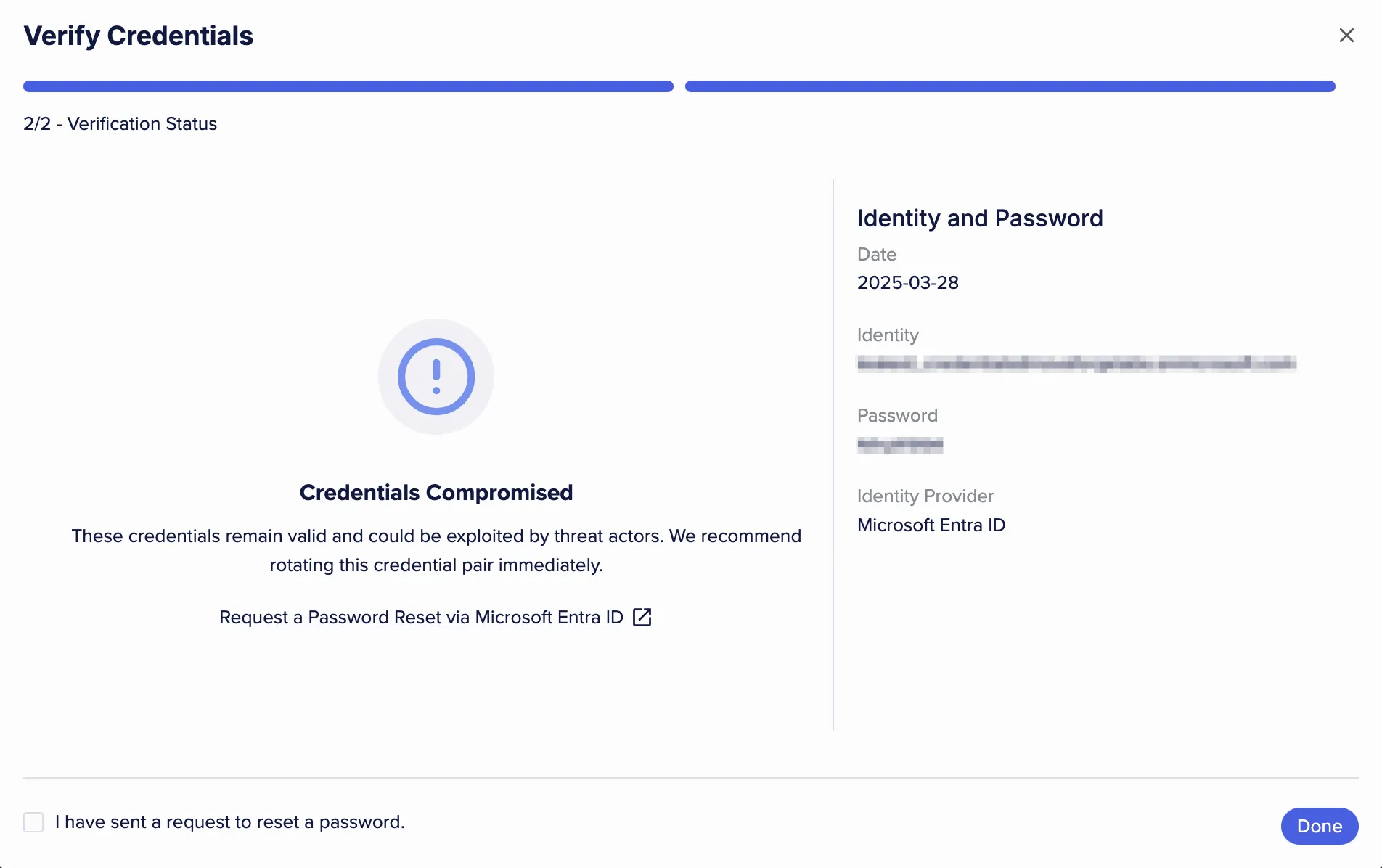
Flare connects to Microsoft Entra ID through an App Registration within your tenant, allowing you to check if credentials that Flare has flagged as potentially compromised remain active in your Entra ID system.
If a credential is confirmed to be active, Flare provides a direct link to the corresponding user to mitigate potential security risks.
Required Permissions
As currently implemented, the Microsoft App Registration used for the Entra ID integration must include Microsoft Graph API application permissions to read directory information. At a minimum, the following permission is required:
- Directory.Read.All — allows reading basic directory information across the tenant.
This permission enables the integration to retrieve user and directory data, enrich identity profiles, and support credential validation.
Configuration
Microsoft-Side: Enterprise apps
Navigate to the Microsoft Entra ID configuration blade within your Azure Portal. In the left-hand sidebar, under the Manage section, select Enterprise applications.
Select the app you just configured in the list of all applications.
Select “Permissions” from the “Security” section of the menu.
Click on the “Grand admin consent” button.
In the popup, confirm your account then review the requested permissions. Click “Accept” to grant them.