Intelligence Objects Event Category
An Intelligence Object is a threat intelligence entity surfaced in the Intelligence Browser Intelligence Browser. It is a structured record of something known to matter in a threat context: an indicator of compromise, a malware family, a named campaign, a vulnerability, a threat actor, or a piece of adversary infrastructure.
The Intelligence Object category connects the objects in the Intelligence Browser to your Identifiers and your Tenant Feed. When enabled on an Identifier, a match against an Intelligence Object surfaces an event in your feed, so exposures flagged by third-party risk lists appear alongside your other events.
Intelligence Objects are also available through the Flare API using the intelligence_object event type on the Tenants, Identifiers, and Identifier Groups endpoints.
Viewing Intelligence Object Events
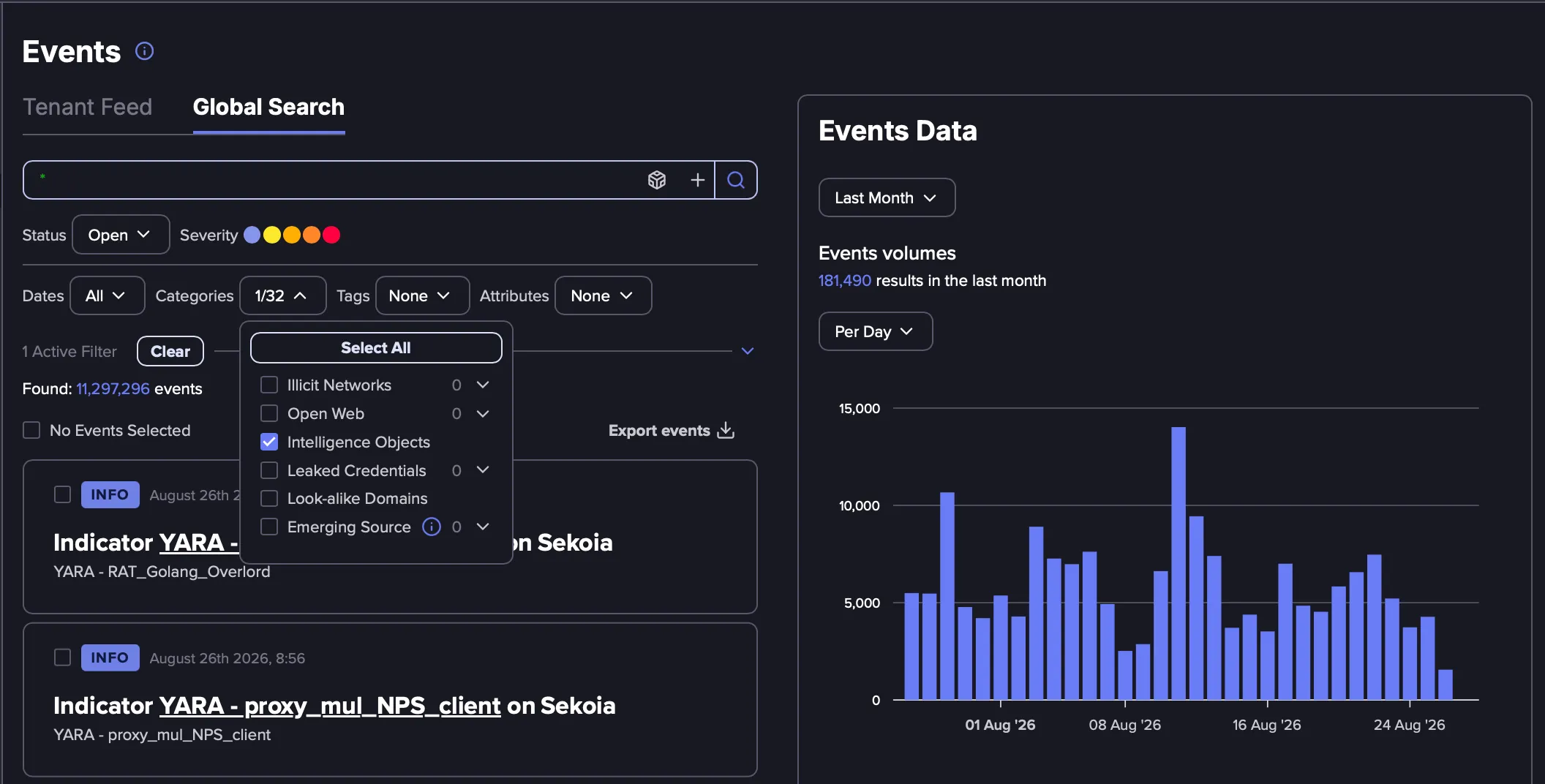
Intelligence Object Events can be viewed either in Global Search or in the Tenant Feed by selecting the Intelligence Objects event type.
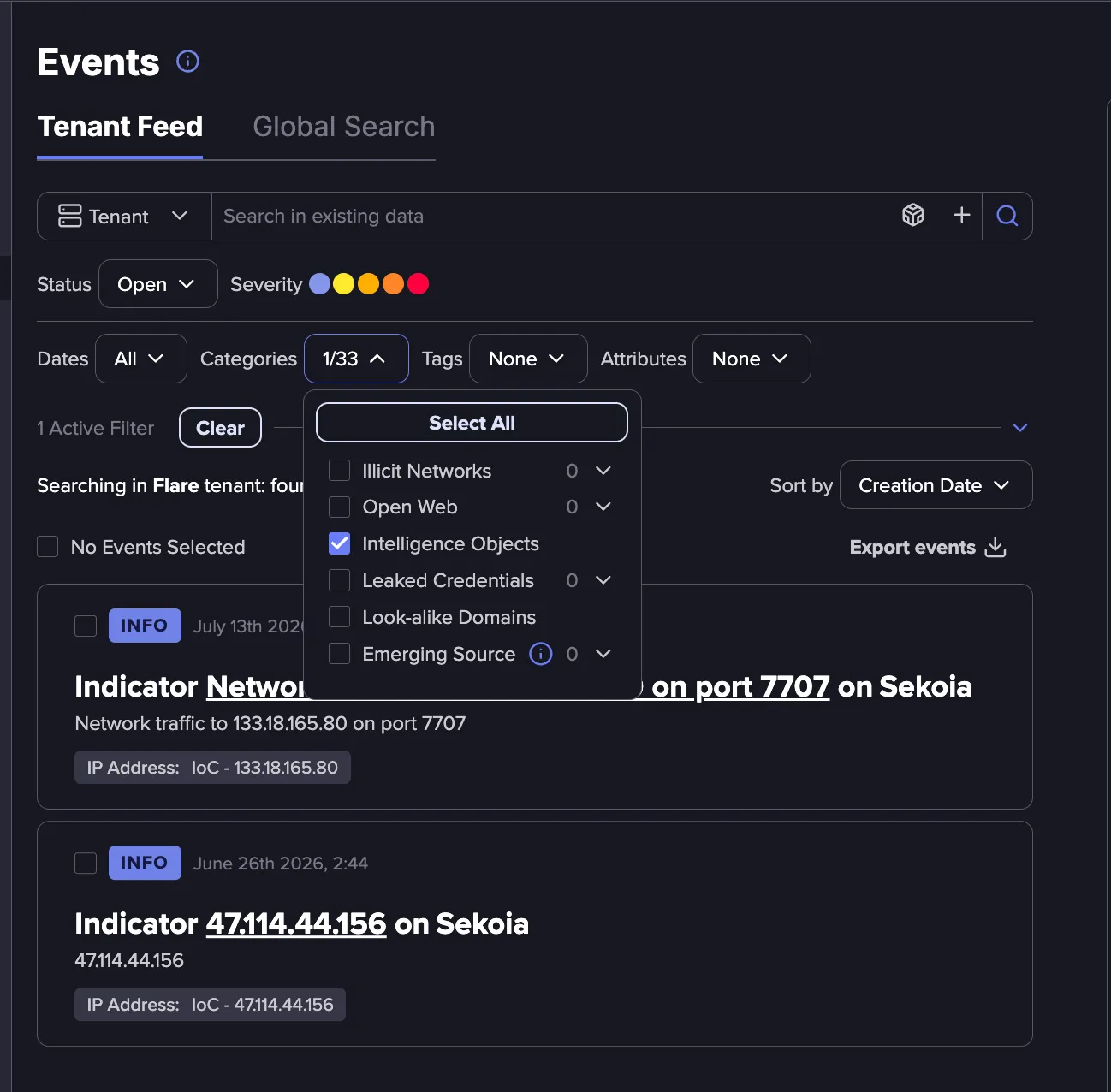
Event Details
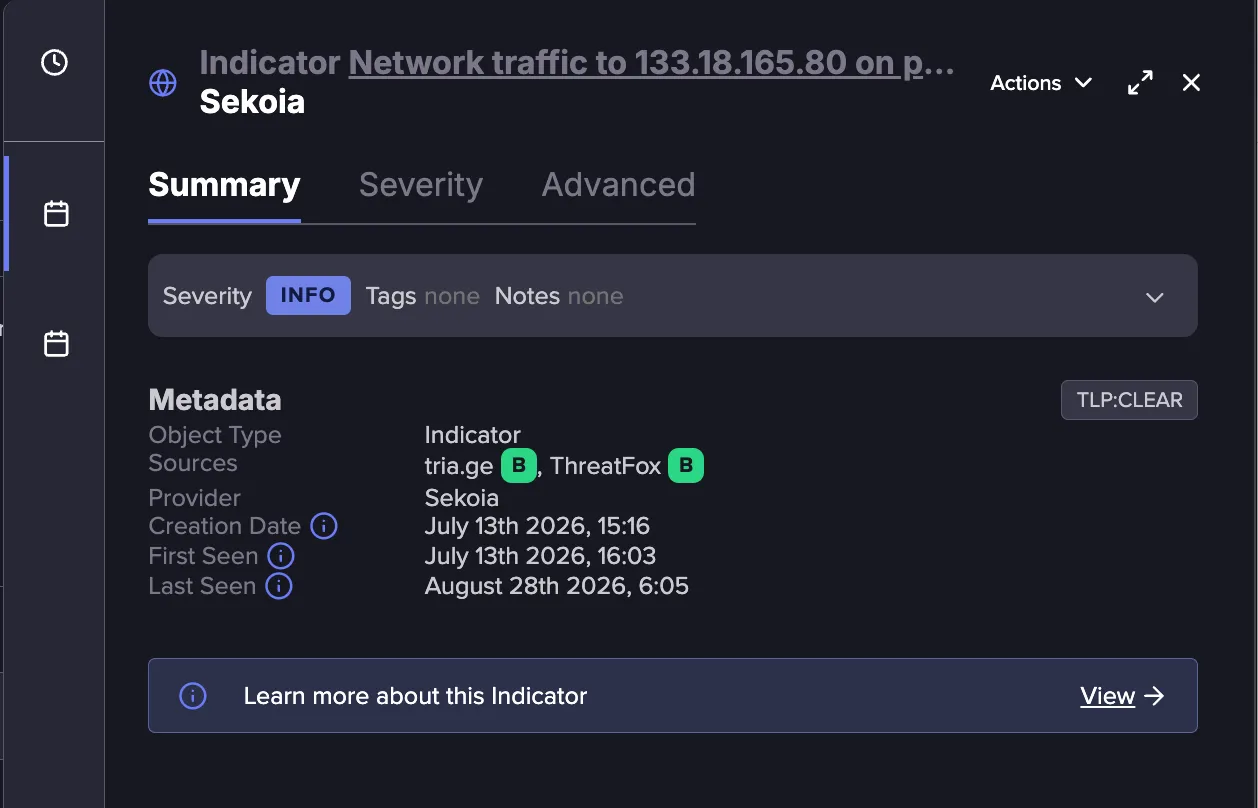
Each Intelligence Object Event includes the following data:
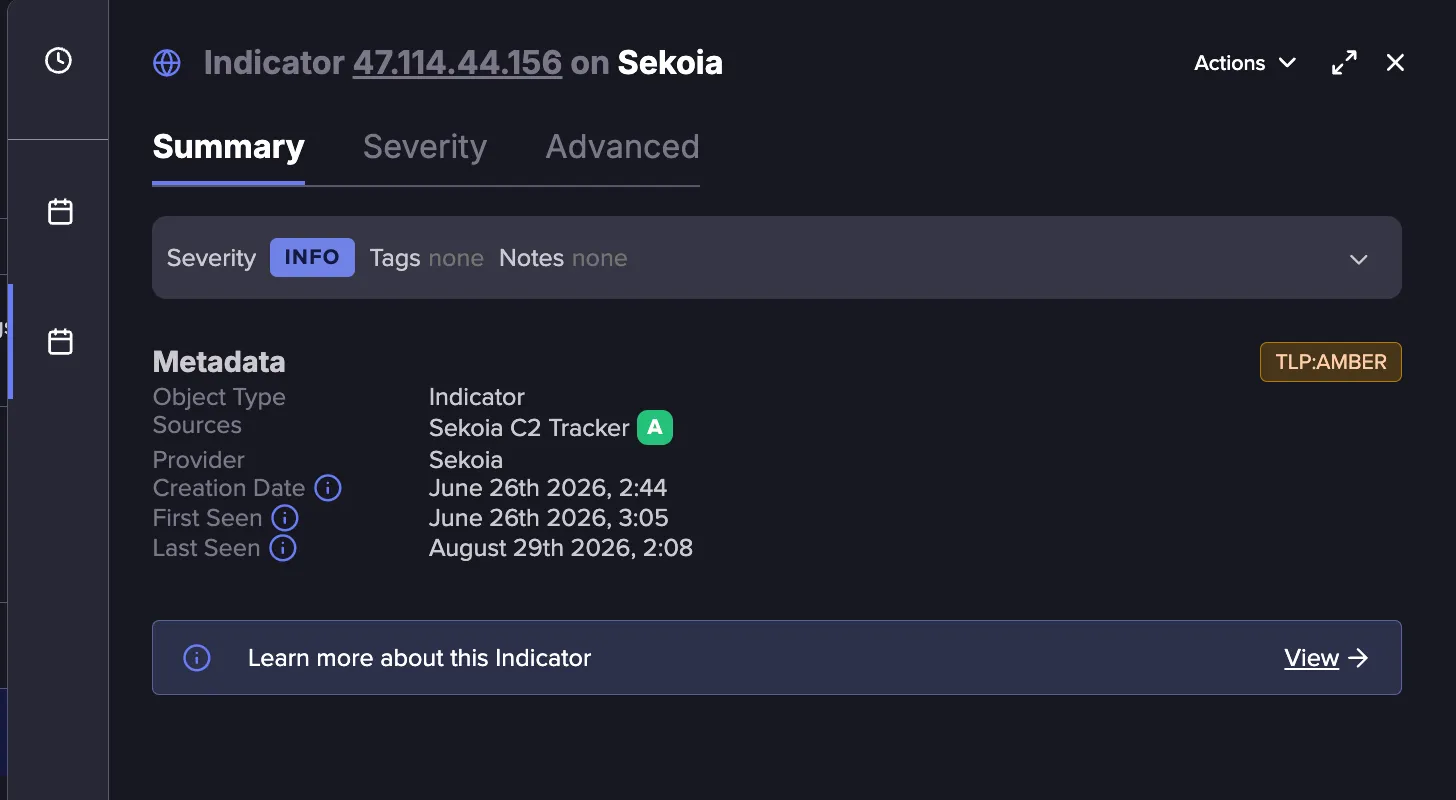
- Summary: The Summary tab shows the event severity, metadata showing the object type, source, provider and relevant dates. A Confidence Score is also included from each of the sources. Click View to see additional details about the Intelligence Object.
- Severity: The Severity tab shows how the event was scored and which Severity Rules were applied.
Every event in this category is assigned an initial severity of High. To change the severity for these events, you can create a Custom Severity Rule or change the severity of the default Flare Rule. See Severity RulesSeverity Rules for details.
- Advanced: The Advanced tab provides complete raw data for the event for additional investigation.
Configuration
Follow these steps to get full value from the Intelligence Objects surfaced for your organization.
Select the Intelligence Object category for an Identifier
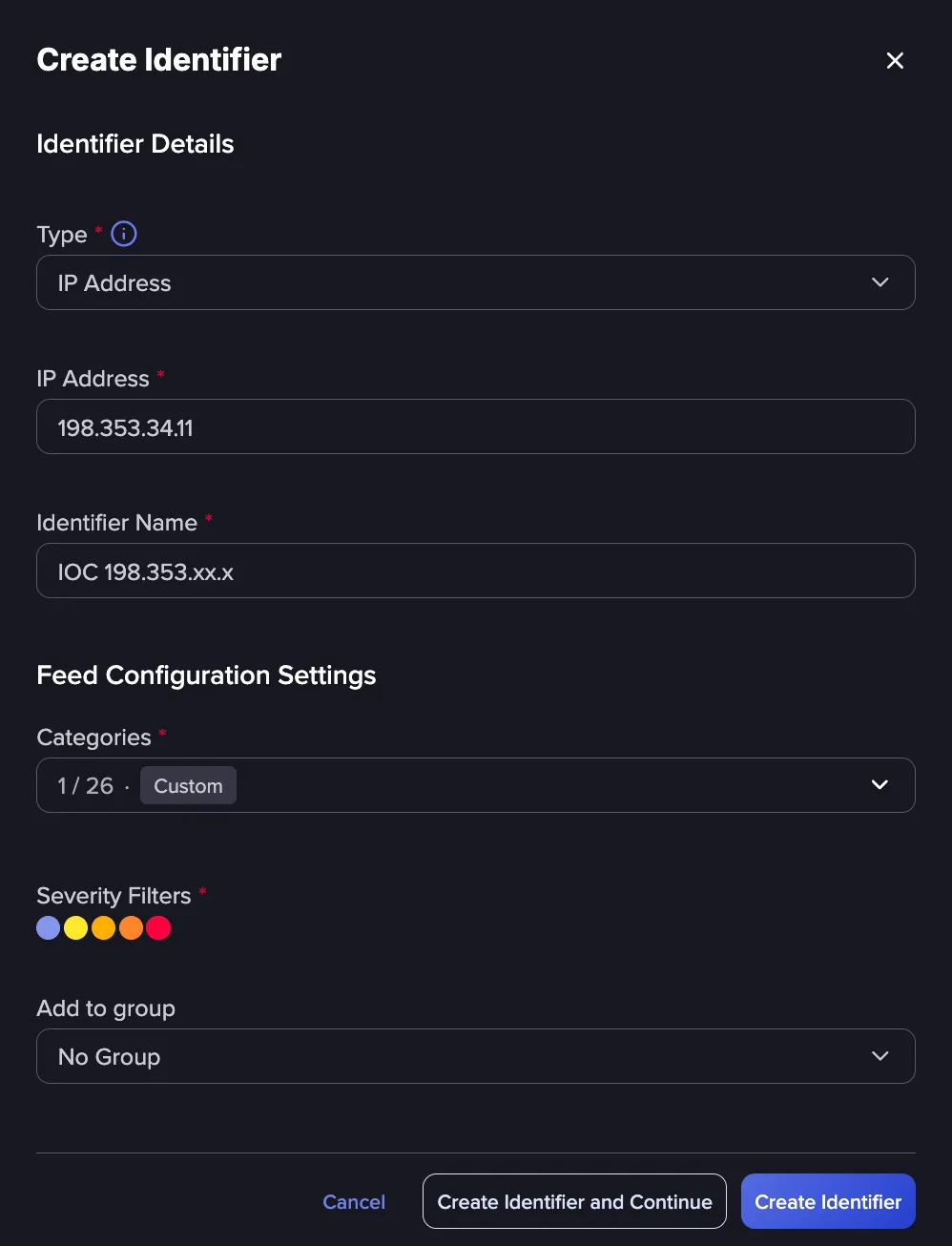
The Intelligence Object category is enabled during Identifier configuration.
- Create a new Identifier or edit an existing one.
- Select Intelligence Object as one of the categories.
- Use Severity Filters to define which severities to include for this Identifier. All Intelligence Object events are assigned an initial severity of High. To customize severity classification, see Severity RulesSeverity Rules.
- Optionally, use Add to group to organize the Identifier alongside related assets.
Configure alerting
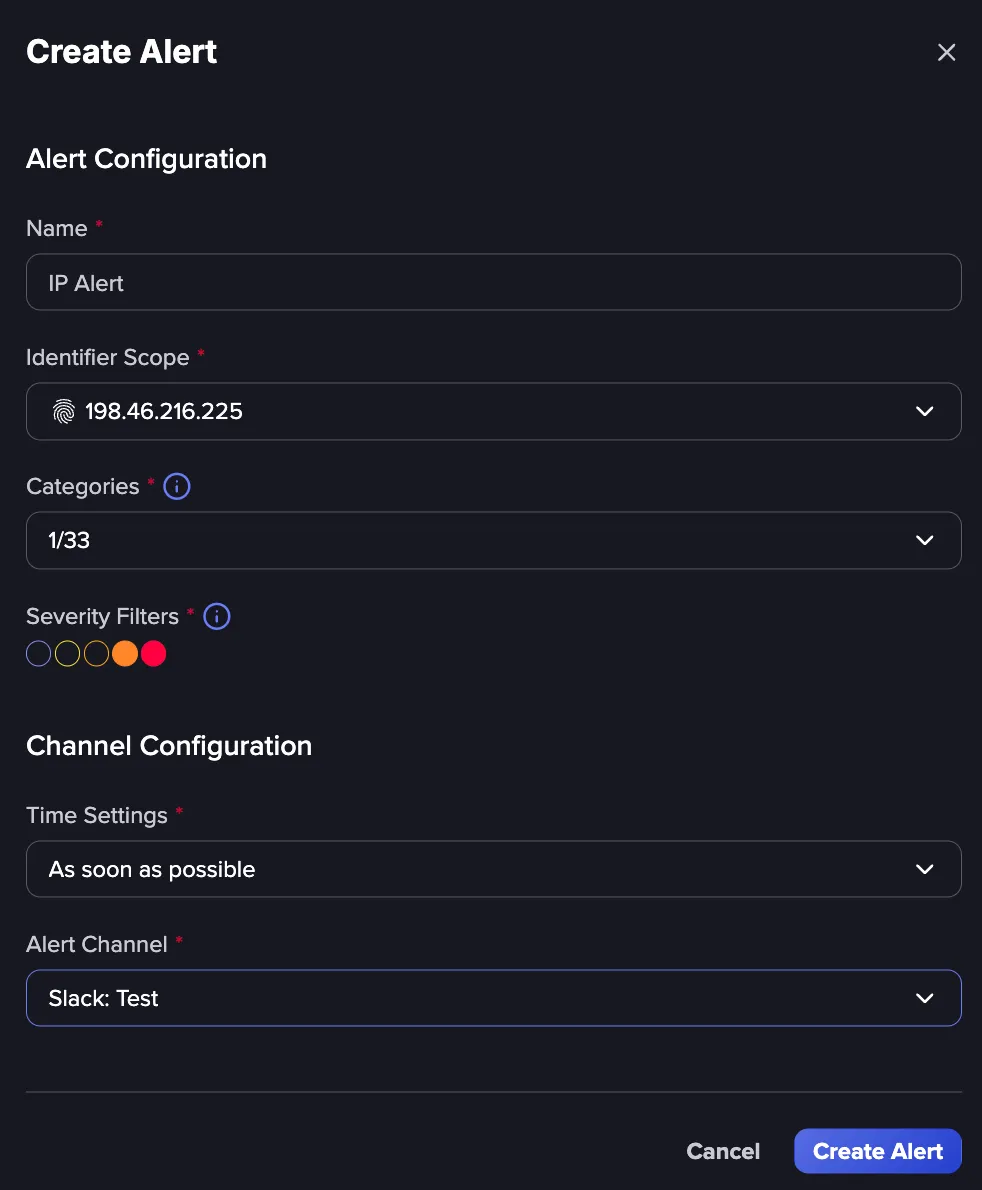
Once the Identifier is set up, use Alert CentralAlert Central to send alerts to the right stakeholders.
- Create a new alert, and set the Identifier Scope to the Identifier created for Intelligence Objects.
- Under Categories, select Intelligence Object.
- Use Severity Filters to restrict the alert to the severities that warrant interruption.
- Configure Time Settings to control alert frequency and timing.
- Select an Alert Channel for delivery.
Take action
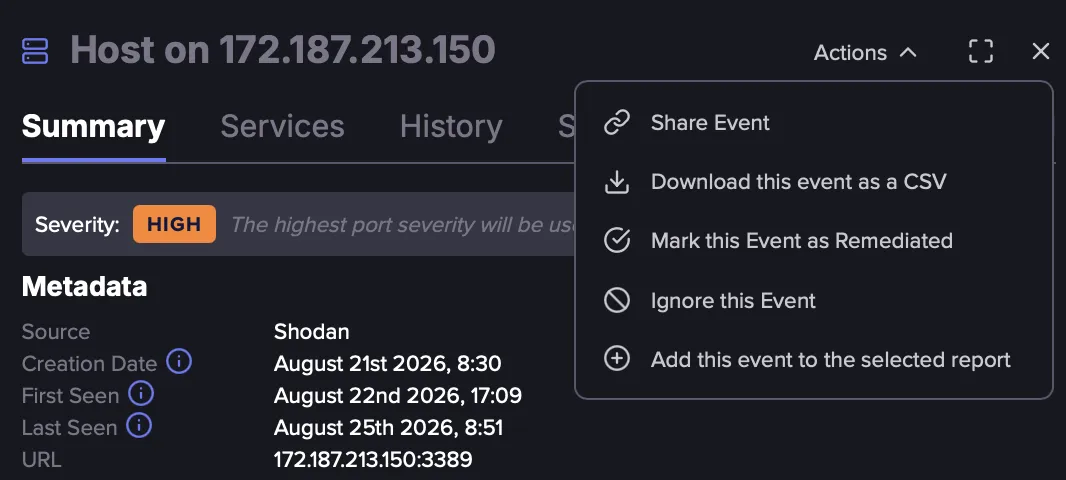
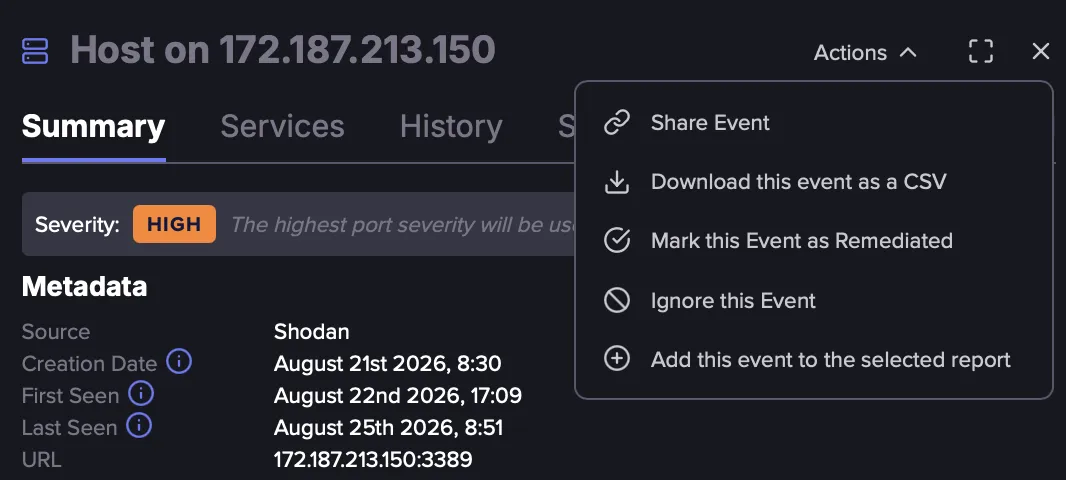
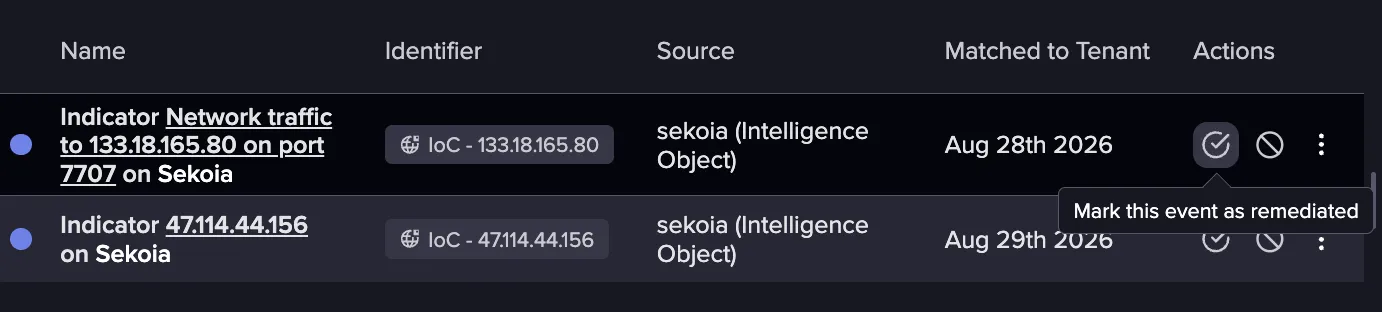
From the Tenant Feed, you can act on an event using the following actions:
- Mark as remediated: Indicate that the exposure has been addressed.
- Ignore: Remove the Event from your active feed when it is not relevant to you.
- Edit: Modify the event's classification.
- Add to report: Include the event in a report for internal or client-facing distribution.
Building an Investigation Workflow
An Intelligence Object event serves as the entry point for an investigation rather than the conclusion. The value comes from what you do next, which is confirming the match, understanding the threat behind it, and responding appropriately. The steps below cover two workflows, one that uses the Cyber Threat Intelligence (CTI module)Cyber Threat Intelligence (CTI) module and one that works from the Tenant Feed alone.
- Triage in the Tenant Feed Confirm which Identifier matched and how critical the match is.
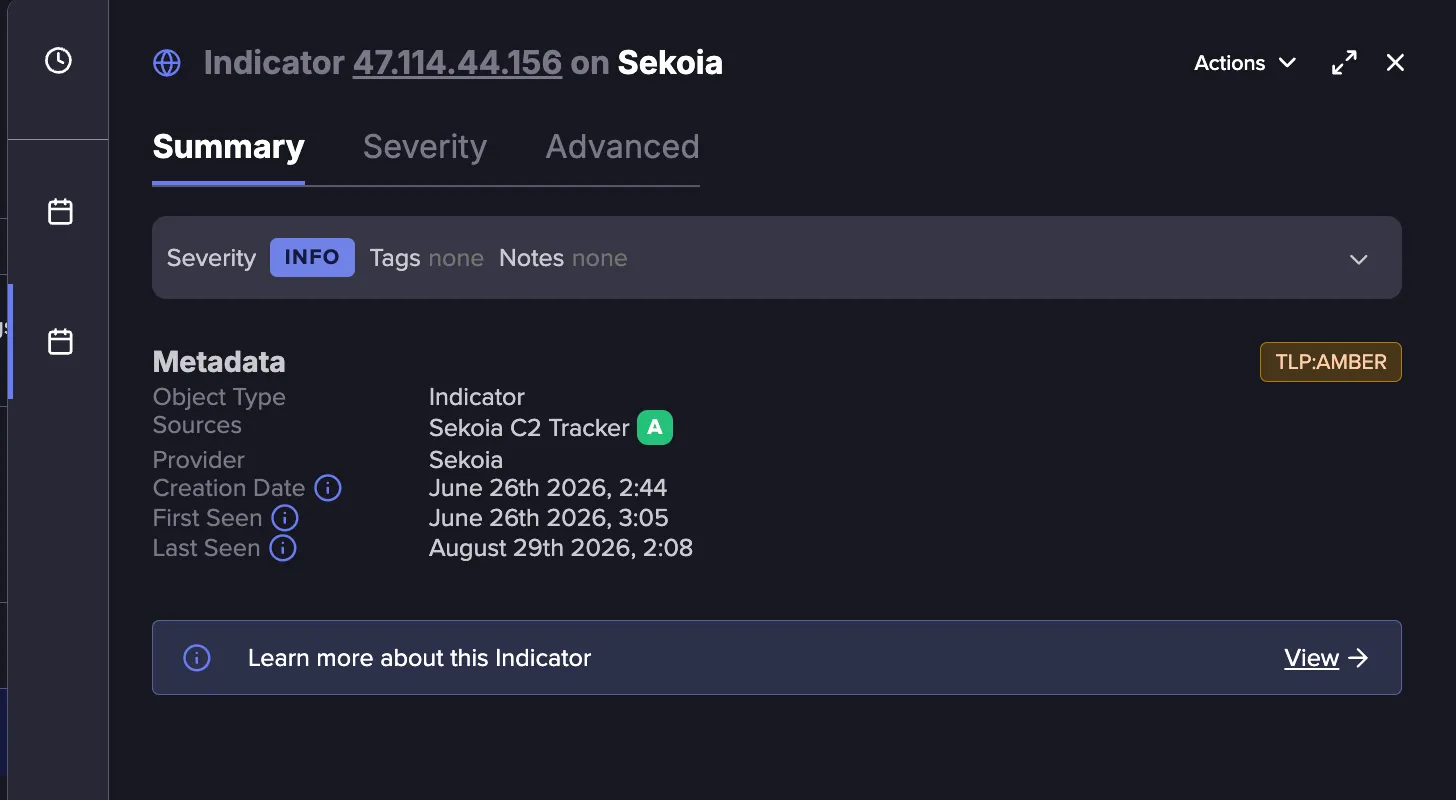
- Use the object confidence score to weigh your response A high-confidence match supported by strong evidence supports faster action than a low-confidence one.
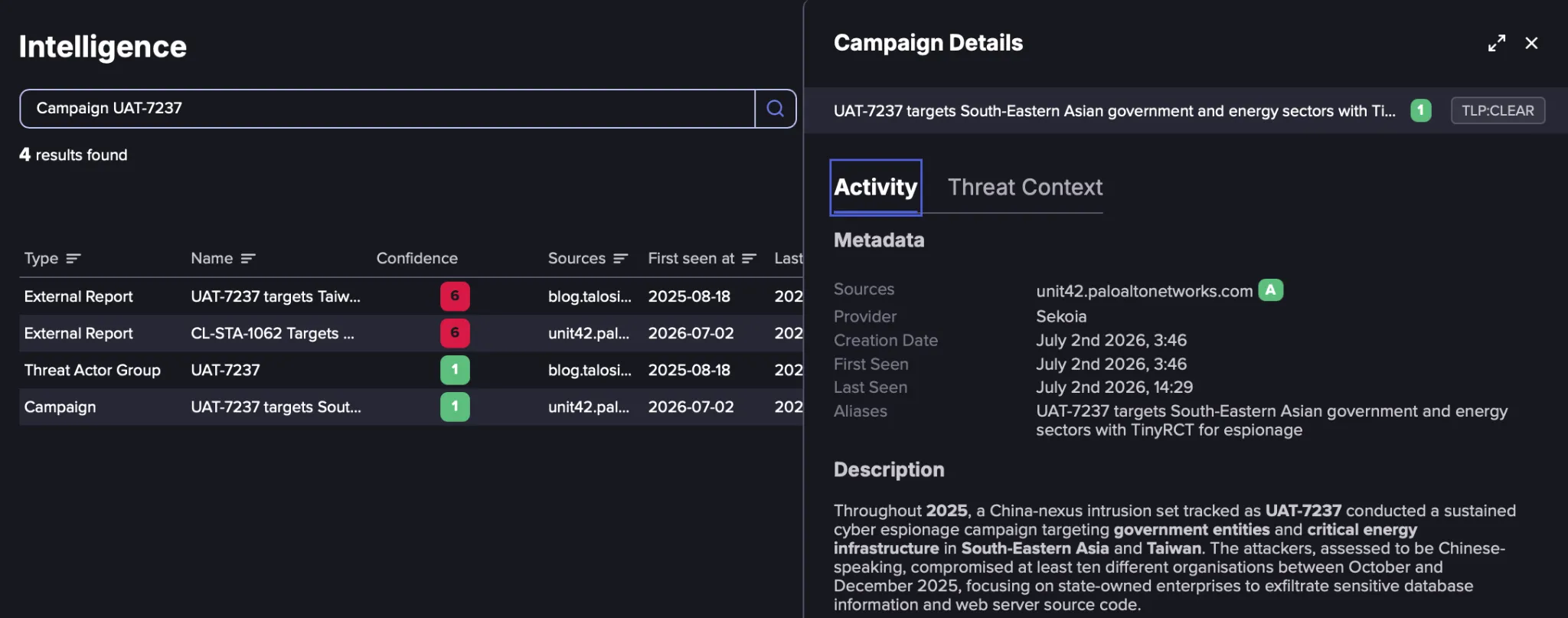
- Pivot to the Intelligence Browser View the Intelligence Object in the Intelligence BrowserIntelligence Browser to see additional details about IOCs, malware families, threat actors, campaigns, and intrusion sets. Open the matched Intelligence Object to see its sources, metadata, and relationships to other objects. This is where you learn whether the indicator is tied to an active campaign, known malware, or an attributed actor.
- Act and close the loop Take the appropriate action in your environment, then use Mark as remediated or Ignore in the feed so your team has an accurate picture of what has been handled.